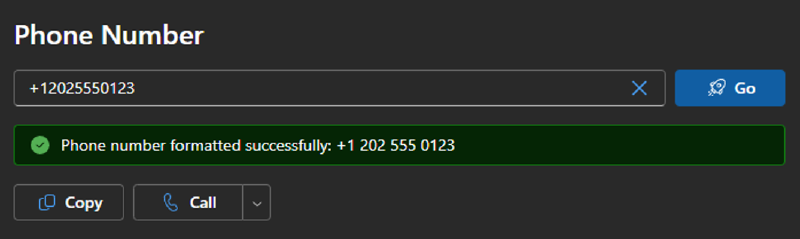
Any Teams Phone (or traditional PBX) admin deals knows the problem. We deal with phone numbers a lot but in logs or API requests, these numbers are typically just a long string like +12025550123 and not something that is easily readable by humans like +1 202 555 0123.
As long as no human needs to read a number, an E.164 number (no spaces or formatting) is fine. However, once you need to read that number, it’s a hundred times more easy if the number is split up in segments. Luckily any half-way decent software already does this. Your iPhone does it and so does Teams.
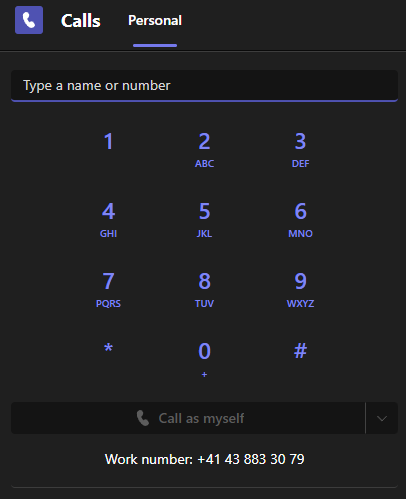
This is not a new topic for me as I’ve written about using Google’s libphonenumber before. But in that blog post, I showed how to format numbers locally using the Python port of that library. While that works, it might not be the best way for scripts that are ran by different team members as all of them would need to have Python and the phonenumbers library installed.
Digits API
Let’s say your team has a script that provisions user accounts and sets the Entra ID BusinessPhones property but you want to have a prettily formatted number instead of just a plain E.164 string. In that case you can just use the Digits API to get a formatted number.
Request Example
| |
Output example
| |
As you can see, it also fixes invalid zeroes after the intl. prefix when somebody malformed a number as i.e. +44 0 20 xxxx xxxx and will tell you if the number had to be fixed or not. See Easter Eggs for more info on how to access the API reference.
Web App
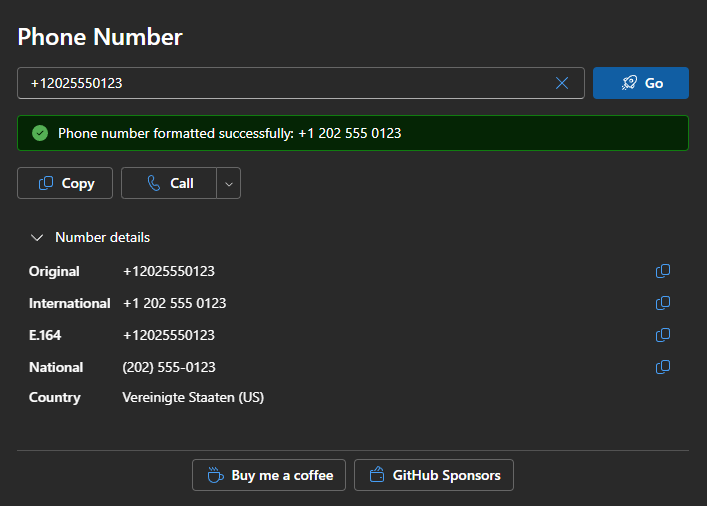
If you just want to convert an E.164 number into a formatted number, simply head to digits.dialtoneapps.com and paste the number.
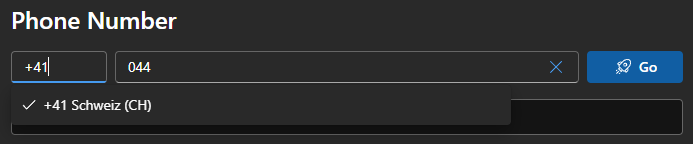
You can also type a national number and select the intl. prefix manually.
Fair Use Limit
Both the website and API are limited to 1 request per second per client. This is not intended for high-volume production use. In that case, I recommend to deploy your own Azure Function to achieve that. I’ll likely write a separate blog post on that soon. However, if you just need to format a number from time to time, it’s absolutely no problem to use the Digits API.
Easter Eggs
I couldn’t help myself and add some fun easter eggs on the site. The only one I’ll disclose here is to type API into the phone number field. That will take you to the API reference. Alternatively, you can also access the API reference directly at digits.dialtoneapps.com/docs/api
But do try to some well-known short numbers that don’t necessarily have something to do with telephony to find some hidden jokes.
Under the Hood
The site is built using TypeScript and Fluent UI React V9 and is hosted on Azure Static Web Apps. Even the Free SKU of Static Web Apps supports managed functions which is perfect because that’s what the Digits API is using. Let me know if you’re interested in a blog post about how to build and deploy web apps like this in the comments.