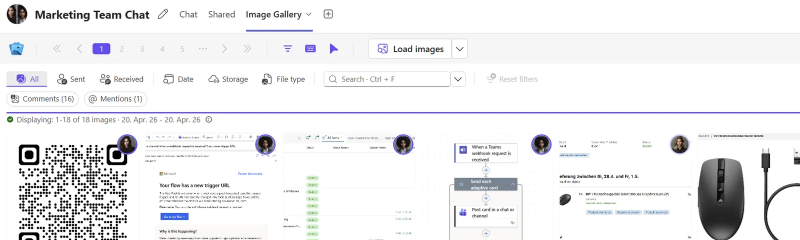
The Image Gallery Teams app is my first attempt of going outside of my comfort zone and launch a full app instead of just script based solutions. The motivation remains the same though: provide an easy solution for one of Team’s annoyances.
I already introduced the app on my Medium blog so I’m going to keep this very short.
What is it?
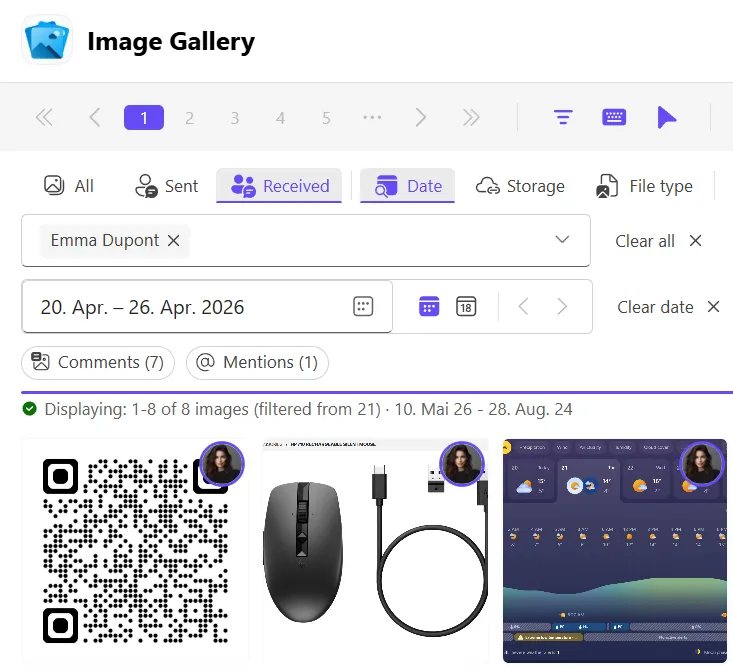
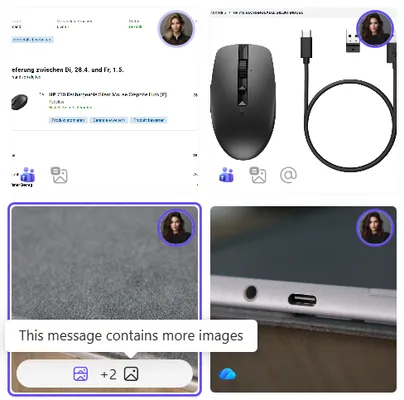
Once installed, Image Gallery allows you to add a tab to any chat or channel in Teams that displays all images from that conversation’s history. It makes finding images a lot easier and faster compared to endlessly scrolling through the chat history or the built-in search feature in Teams.
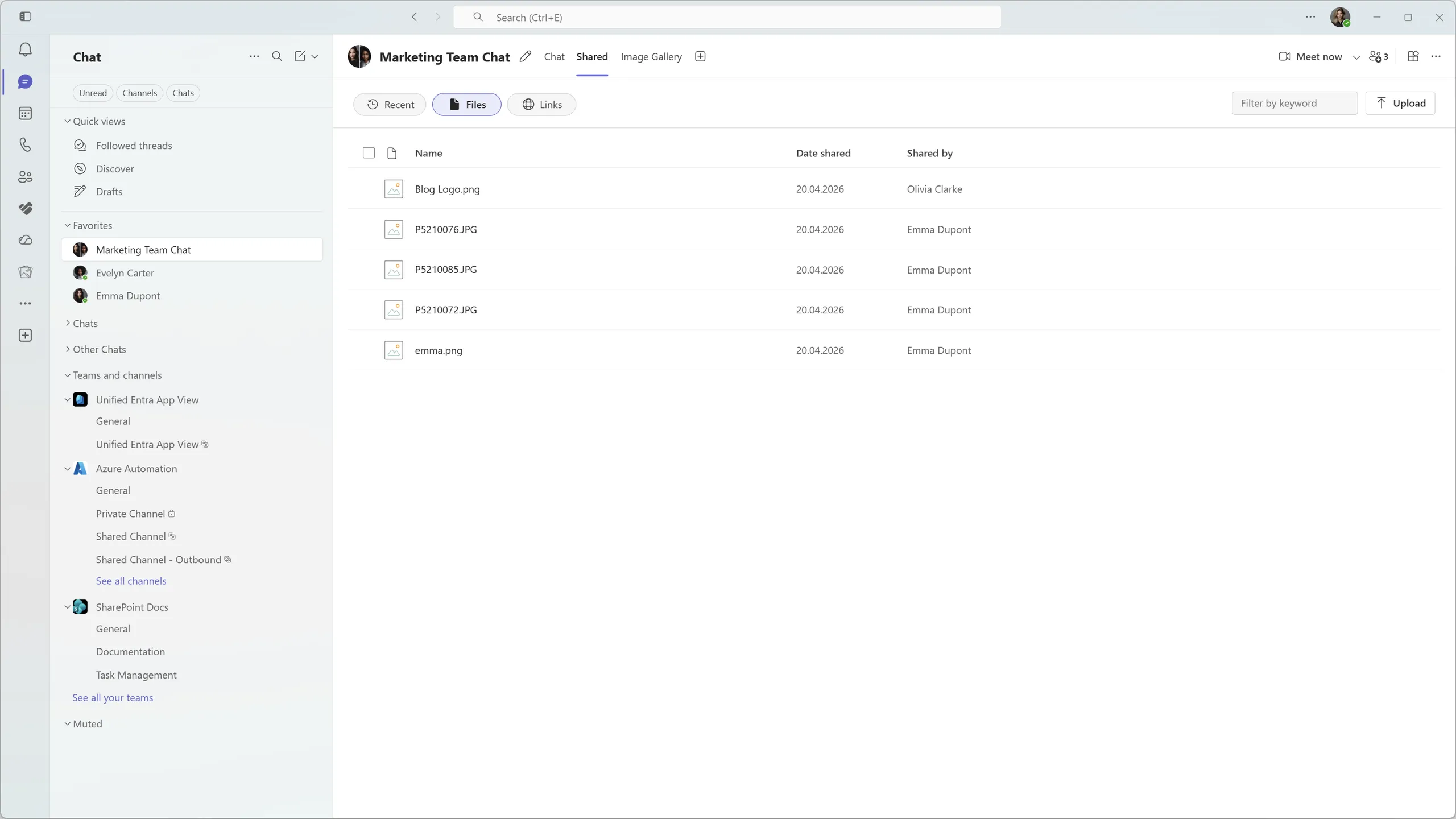
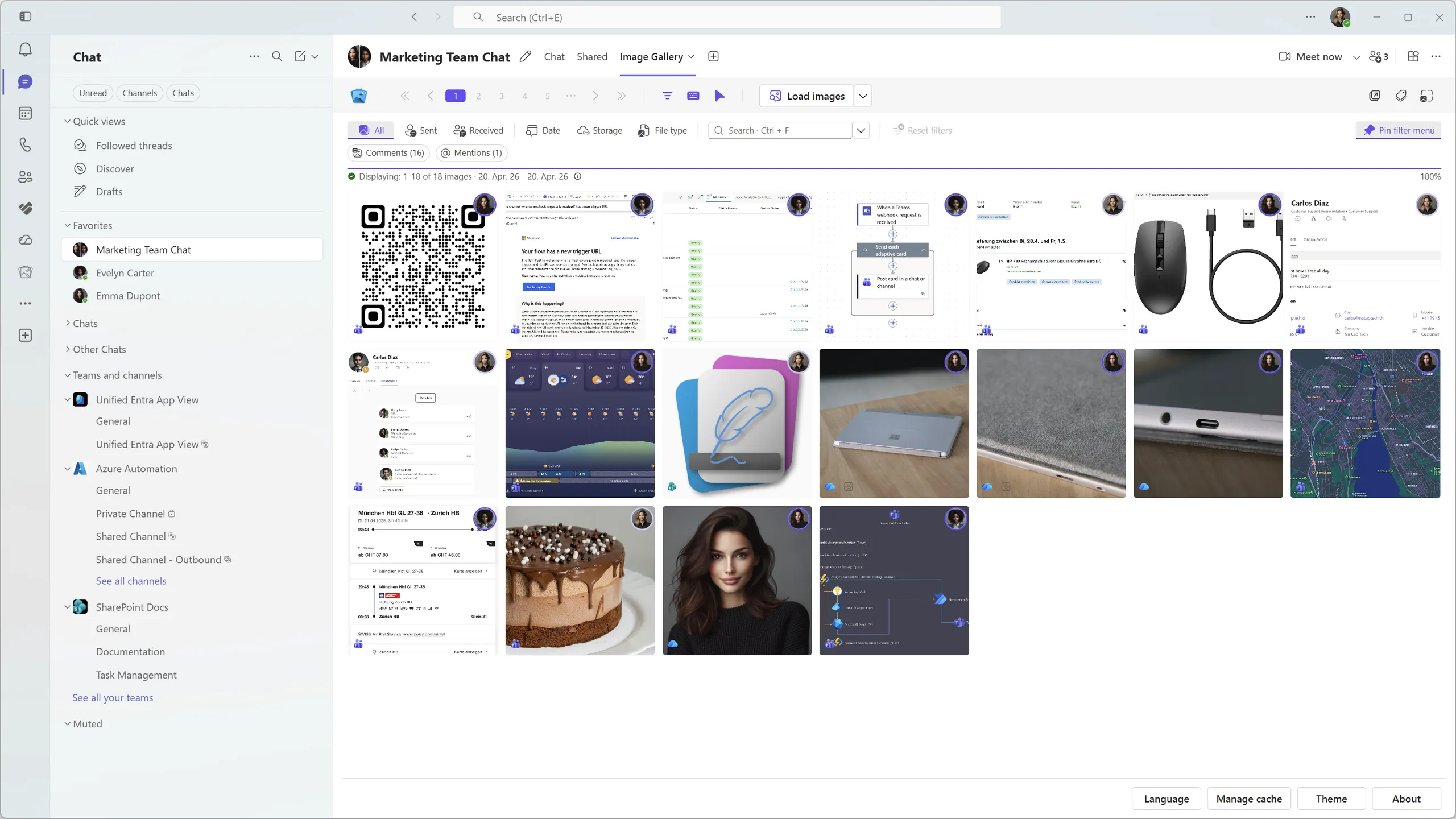
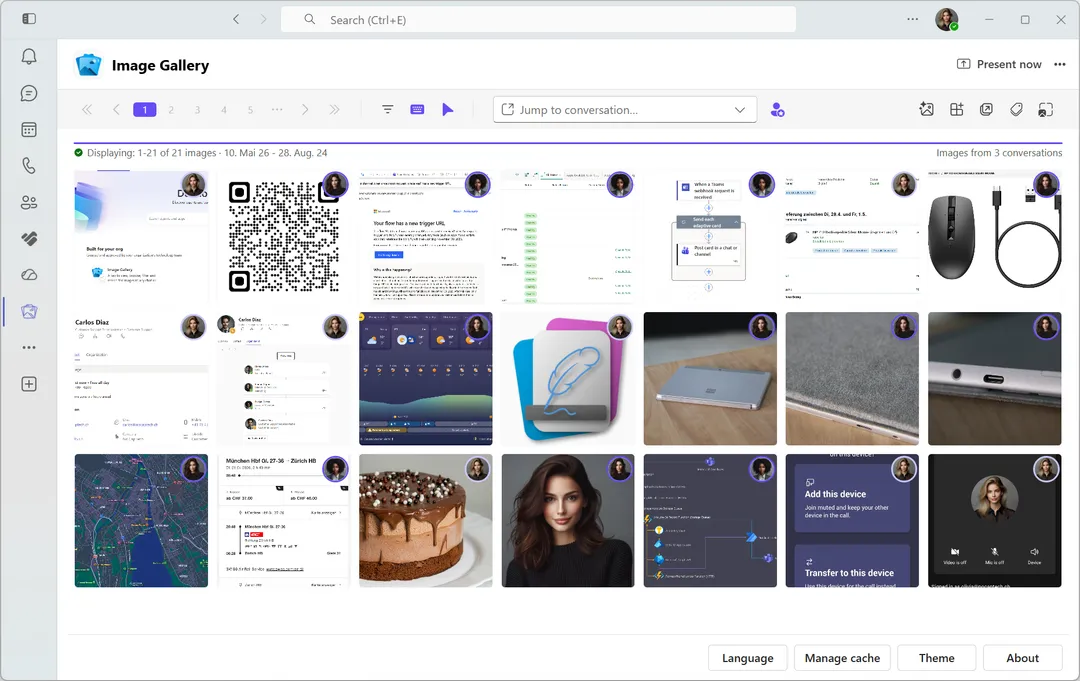
Image Gallery also offers a personal tab app that aggregates images from all your chats where the app is installed. This gives you one place where you can browse and search images you sent or received without the need to remember which chat they are from.
Who is it for?
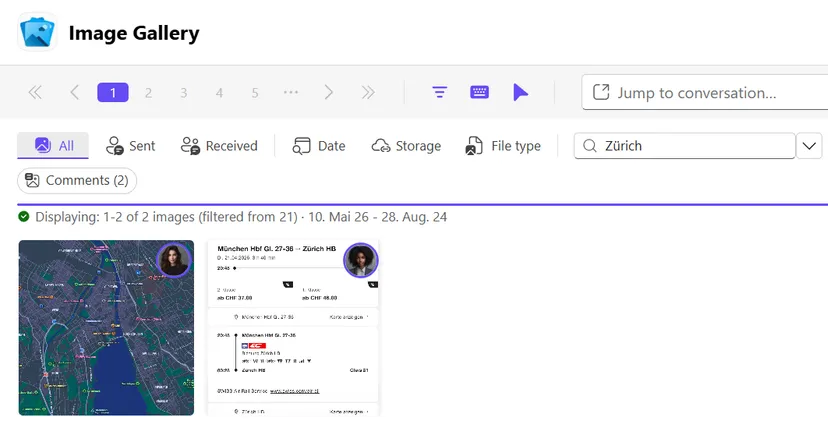
Image Gallery is for anybody that basically lives in Teams chat and exchanges lots of images but is desperately missing a Media tab like we all know and love from popular chat apps like iMessage, WhatsApp, Discord etc. Albeit that is the app’s core functionality, it offers a lot more than that. It’s super intuitive and feels like it’s part of Teams itself. On top of that it offers rich filtering capabilities and even AI powered OCR text search for images.
Why should you try it?
If you in fact do live in Teams chats, it will probably save you more time than most AI chat tools claim to do. It values privacy and security. Images are never uploaded anywhere and never leave your device. The app downloads them to your device and caches them locally, just like Teams does with native chat messages and hosted contents. It uses the least-privilege security principle and only requests Graph permissions it actually needs. Only delegated permissions are required.
How can you get it?
The installation is super easy:
- Download the Teams App Package
- Upload the app package to your tenant in Teams Admin Center
- Review the (delegated only) permissions and grant admin consent
- Make the app available or installed for all or selected users
- Start adding the app to your Teams chats and channel conversations
What does it cost?
Image Gallery can be used for free with the following limitations:
- Up to 50 users
- Up to 10 tab installs for each user
- No AI OCR processing/text search in Free version
Small teams can use it for free without a paid plan while bigger organizations can leverage the Free version to evaluate the product before purchasing the paid plan. Paid plans range from $0.5 - $1 depending on seat count.