HTTP Requests in Power Automate
Power Automate offers a first-party HTTP connector that can send web requests to REST APIs. Unfortunately this is a Premium connector and requires additional licensing. Luckily, Microsoft also offers some non-premium HTTP actions for various services such as Entra ID (or it’s preauthorized version), Office 365 Users, Office 365 Outlook, Office 365 Groups, SharePoint and Microsoft Teams. However, they only work with specific endpoints such as a Microsoft Graph or a SharePoint REST API URI and not with any REST API.
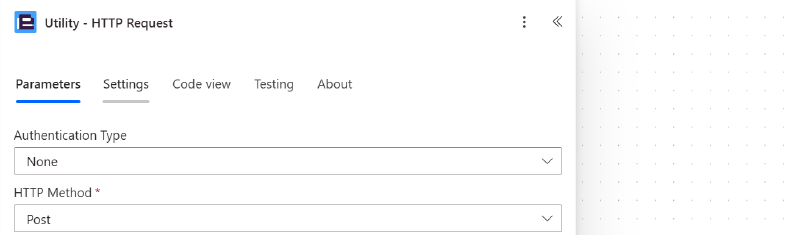
The only first-party action that allows web requests to any service is the HTTP action. And sadly, most third-party HTTP actions also require a premium license. But there is one exception I know of to this: the Utitlity - HTTP Request action from Encodian.
With that being said, this action isn’t necessarily completely free as it uses Encodian credits. They offer a free plan which includes 50 credits per month and one call consumes 1 credit on the free plan. On paid plans, the HTTP action in Power Automate only consumes 0.05 credits though.
Admittedly, 50 HTTP actions per month is not much and is probably too little for most organizations. For light personal automations or testing it might just be enough though.
Whether a Power Automate Premium license or a paid plan from Encodian is cheaper for your organization depends on a couple of things. Obviously, Power Automate Premium offers more features than just being able to send HTTP requests. If that is your only requirement from the Premium catalog, then it depends on how many of your users need to be able to create flows that send web requests.
The cheapest Encodian plan costs $49 per Month but the key part is that multiple users can use the same credits included in the subscription which would allow for 50'000 monthly requests. A Power Automate Premium license is $15 per user per month. So, if you have more than 3 users that need to be able to use HTTP requests in their flows and this is their only required premium action, using Encodian instead could already be cheaper.
HTTP Requests With Encodian
Let’s put Encodian’s Utility - HTTP Request to the test. I recently built Digits, a web app that can format any phone number and offers an API as well, so it’s perfect for this test.
All I had to do is to set up a free account at Encodian, create an API key and paste it in Power Automate on the Utility - HTTP Request action. As you can see, configuring the action itself is very straight forward and looks almost identical to Microsoft’s own Premium HTTP action.
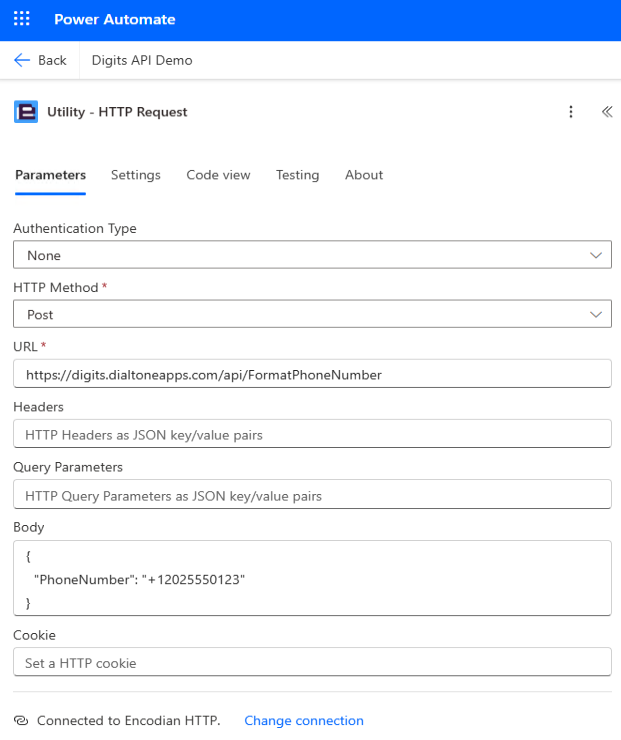
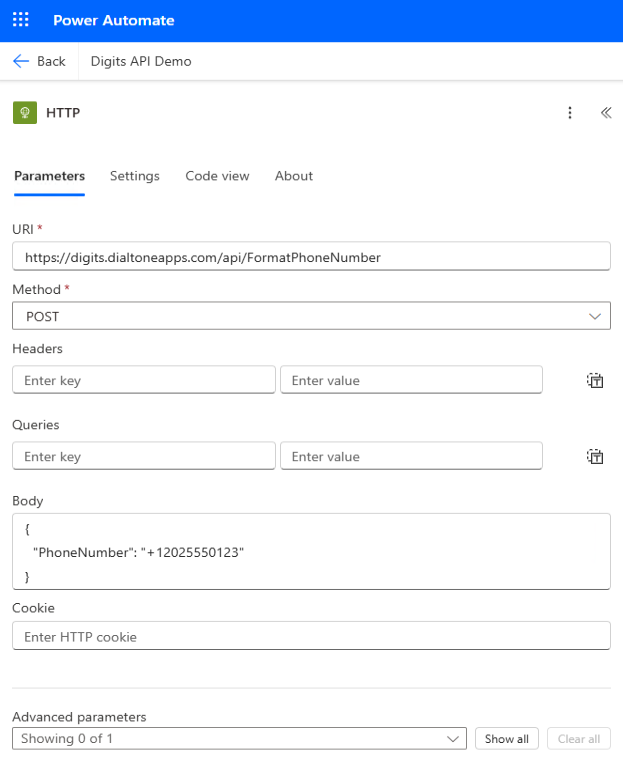
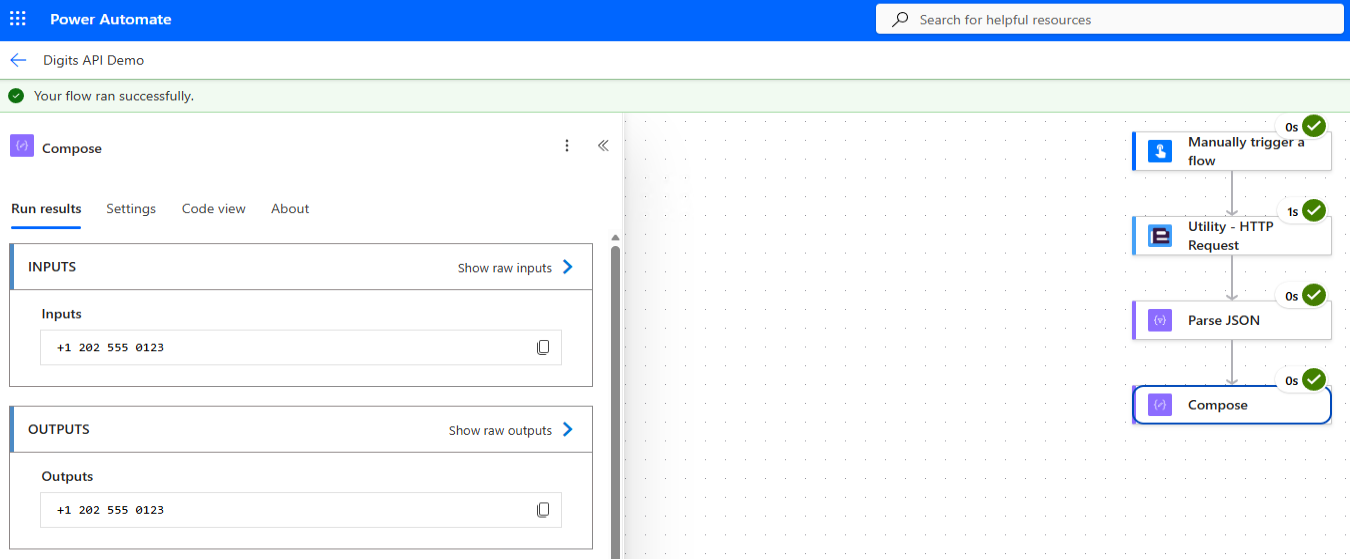
Calling the API works like a charm and the response includes the formatted phone number.
Summary
This blog is not sponsored or endorsed by Encodian. I just thought it would be nice to share that there’s actually an HTTP action that doesn’t require a Power Automate Premium license, even if it is limited to 50 free requests per month.
I still wish that either the HTTP action didn’t require Power Automate Premium or that Encodian’s free plan offered more than 50 requests per month on the free plan. In today’s world, sending web requests seems more like a basic human right rather than something you need to pay $15 per month for. Especially when you think about how Azure Functions offer a free grant of 1 million requests per month.