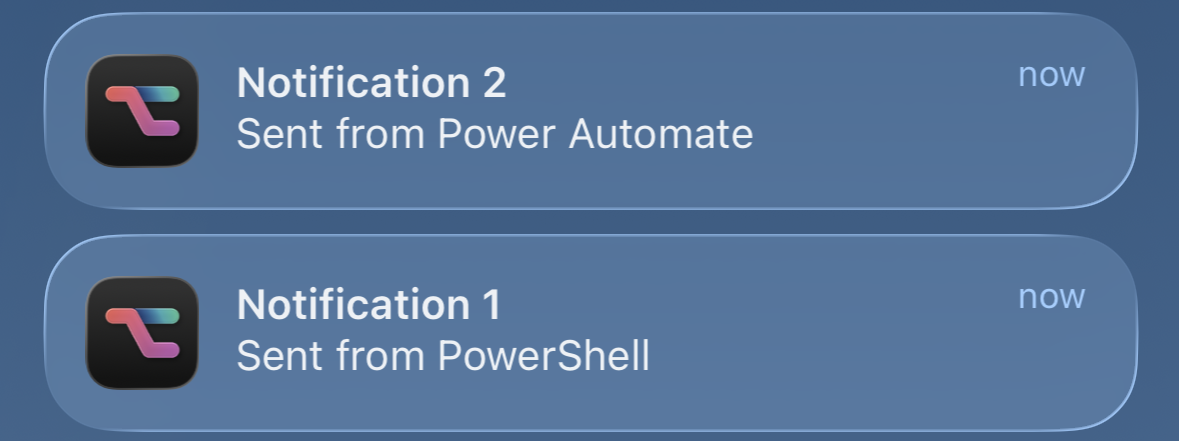
Sadly, Microsoft has announced the retirement of the Power Automate mobile app on iOS and Android. Any time you open the app, you’ll now be greeted by the announcement below.
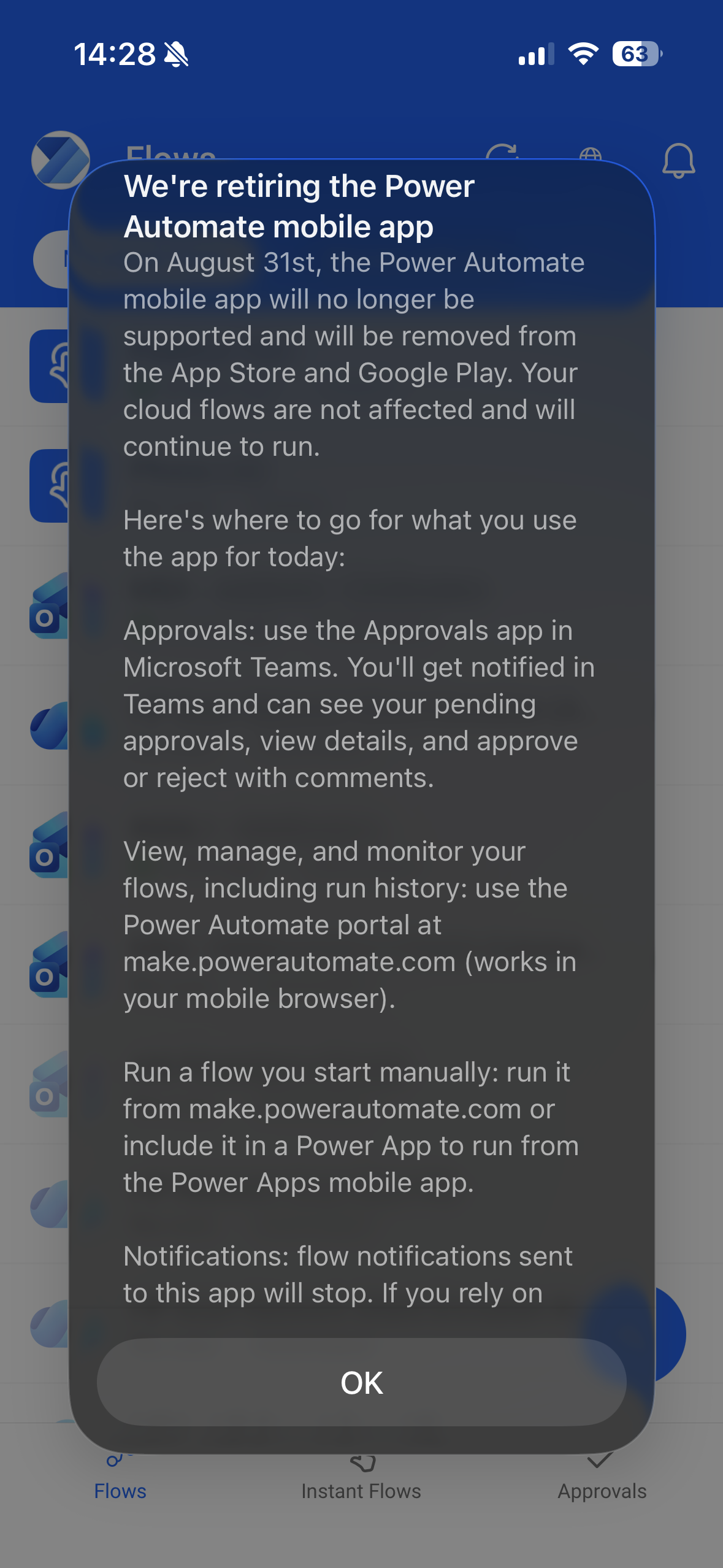
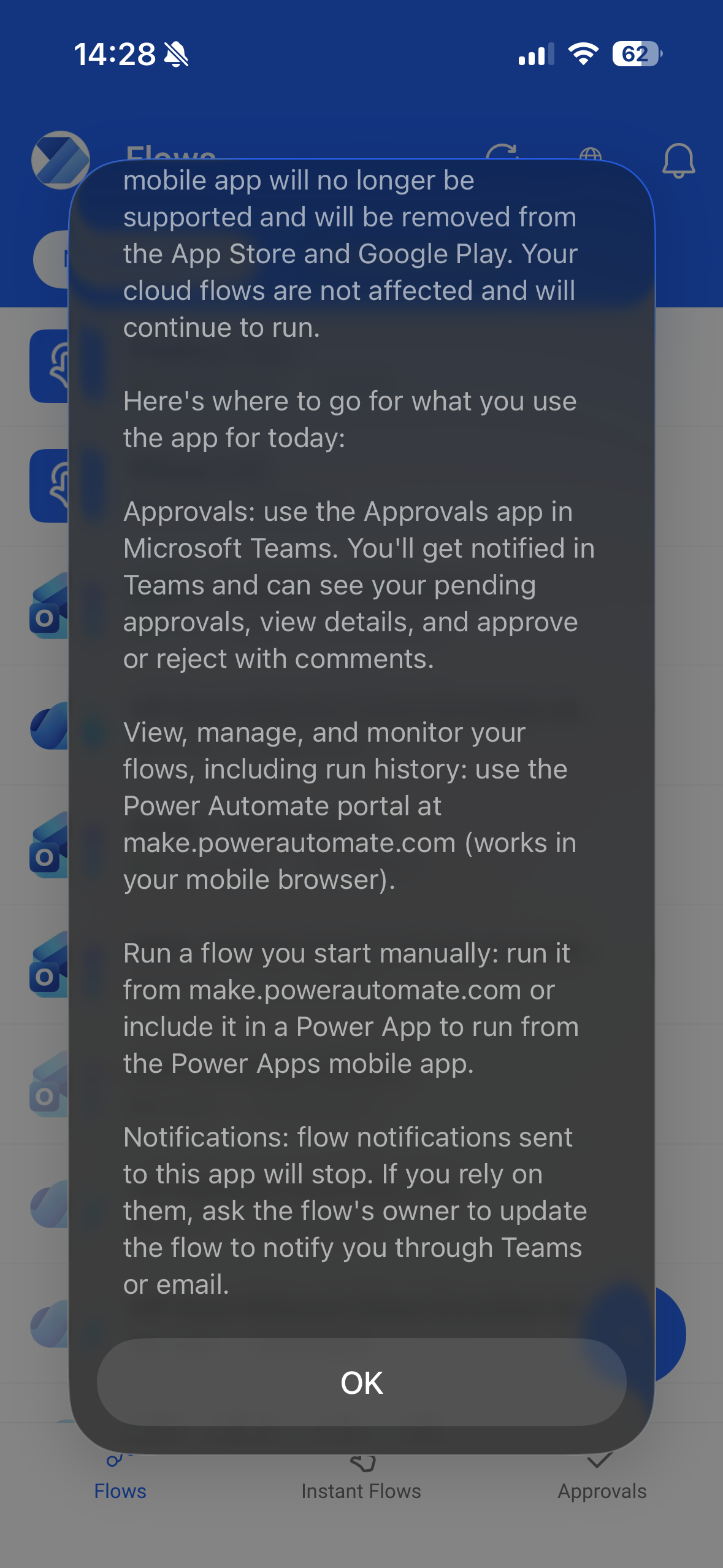
What bothers me the most about this is losing the ability to send push notifications to the mobile app. I don’t really care about starting flows on-demand from the mobile app since that can be done from the web or the Workflows app within Teams. But finding a substitute for sending push notifications to a mobile device is a bit harder.
Last week I already blogged about using Encodian’s Utitlity - HTTP Request action to send web requests without needing a Power Automate Premium license. In this blog post I’ll show you how you can use that to send push notifications from your flows to your iPhone.
Why Do I Care About Push Notifications So Much?
Or why do I not want to follow Microsoft’s recommended approach and send notifications through Teams or email?
I just love the simplicity of push notifications. Once you swipe one away, I doesn’t stay in your inbox or represents something you need to take care of. It’s exactly what the name implies, it notifies you of something and that’s all there is. You don’t need to mark another item as read or move it out of your inbox.
Siri Shortcut Example
This has nothing to do with Power Automate yet. But we’ll get there, I promise.
My most used Shortcut on iOS is one of the simplest ones you can build. It’s a button on my lockscreen that asks me for text input and then displays the note as a notification. Think of this like a sticky note on your phone’s screen that behaves like an actual, physical paper note. Once it’s swept away (or torn off and thrown away), it’s gone. There is no task or note or any kind of related item in any other app.
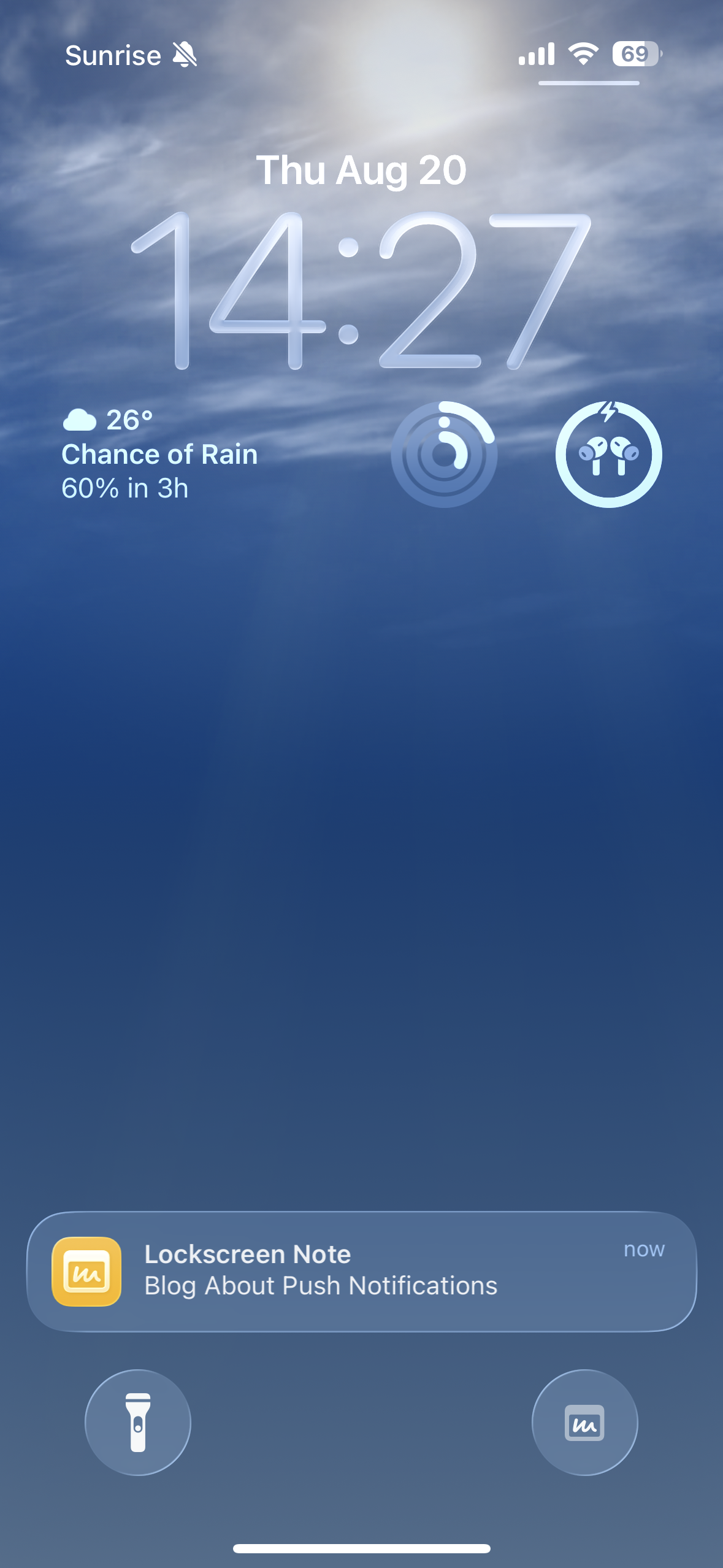
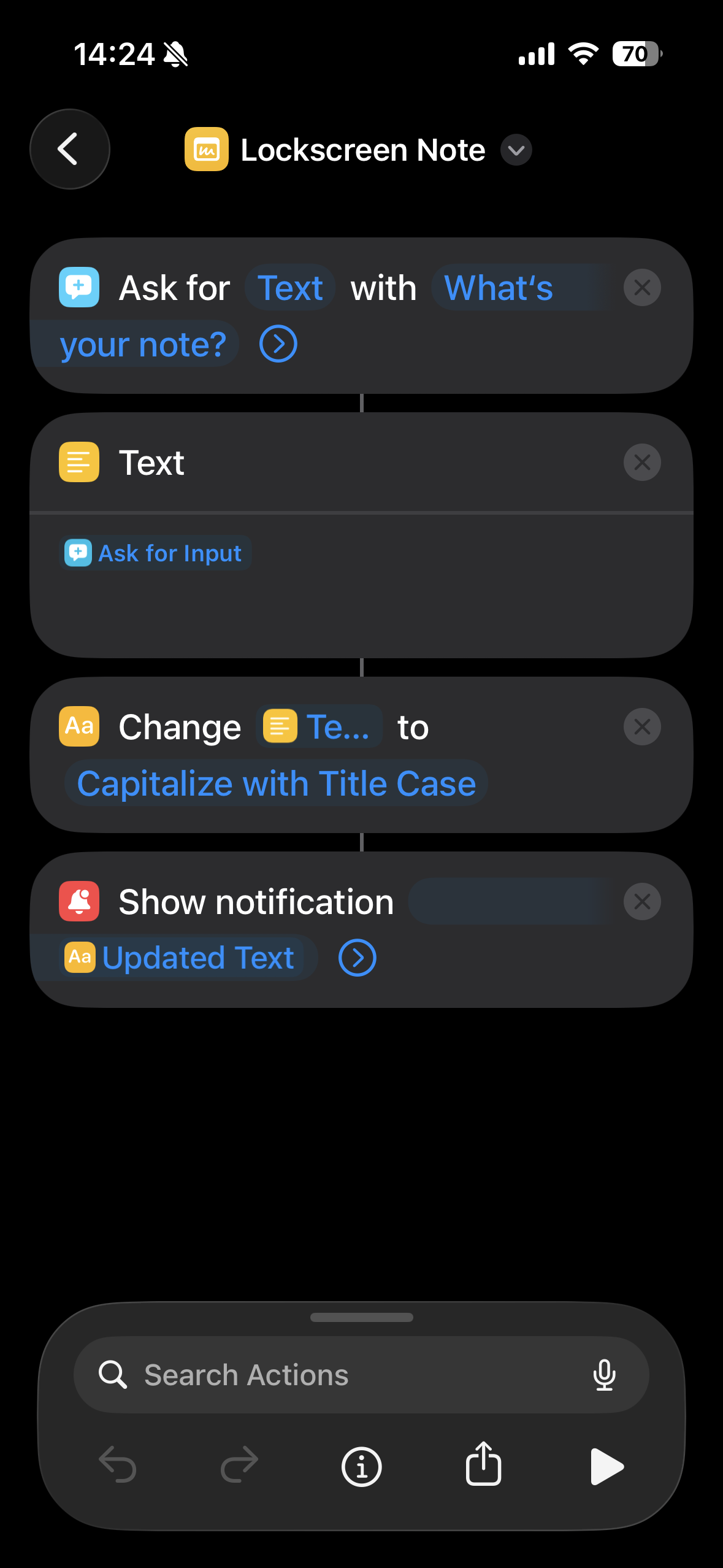
You can get the shortcut from here if you like.
Power Automate Push Notification Examples
Now that I’ve established that push notifications are great to remind or notify me about certain things, let’s look at some examples of what I use push notifications with the Power Automate mobile app for today.
In most cases it’s very simple. I have some Outlook rules that automatically move emails to subfolders. However for some of these emails I still want to be notified but Outlook doesn’t support that natively. To not miss any important emails that get delivered into subfolders directly by rules, I use a flow to send me a push notification. I also have a flow set up that sends me a notification whenever I get a new junk mail–just to be sure I’m not missing any false positives.
This use case is actually how I stumbled upon Power Automate about 10 years ago, long before I was building much more complex flows for work. But now Microsoft is taking away the one feature that initially got me hooked on Power Automate.
Sending Push Notifications to iPhone
Since it won’t be possible to send a notification to the Power Automate mobile app anymore, I’ll need another app that can receive notifications. There are lots of different apps for this out there but I’m only focusing on an app called Pushcut today.
Pushcut is a paid app/service with very limited features in the free version. Since I’ve been using the app for other things, I already have a lifetime subscription which only cost me 35 Swiss Francs. The free version only lets you create 3 notification webhooks and doesn’t support dynamic content in request payloads. Depending on the level of detail you want your notifications to include that may be enough. Or not.
What this means is that with the free version, I need to set up a generic notification within Pushcut for each case and notifications can’t include dynamic content like the sender or the subject of the email for which a flow was triggered.
Notifications in Pushcut (Free)
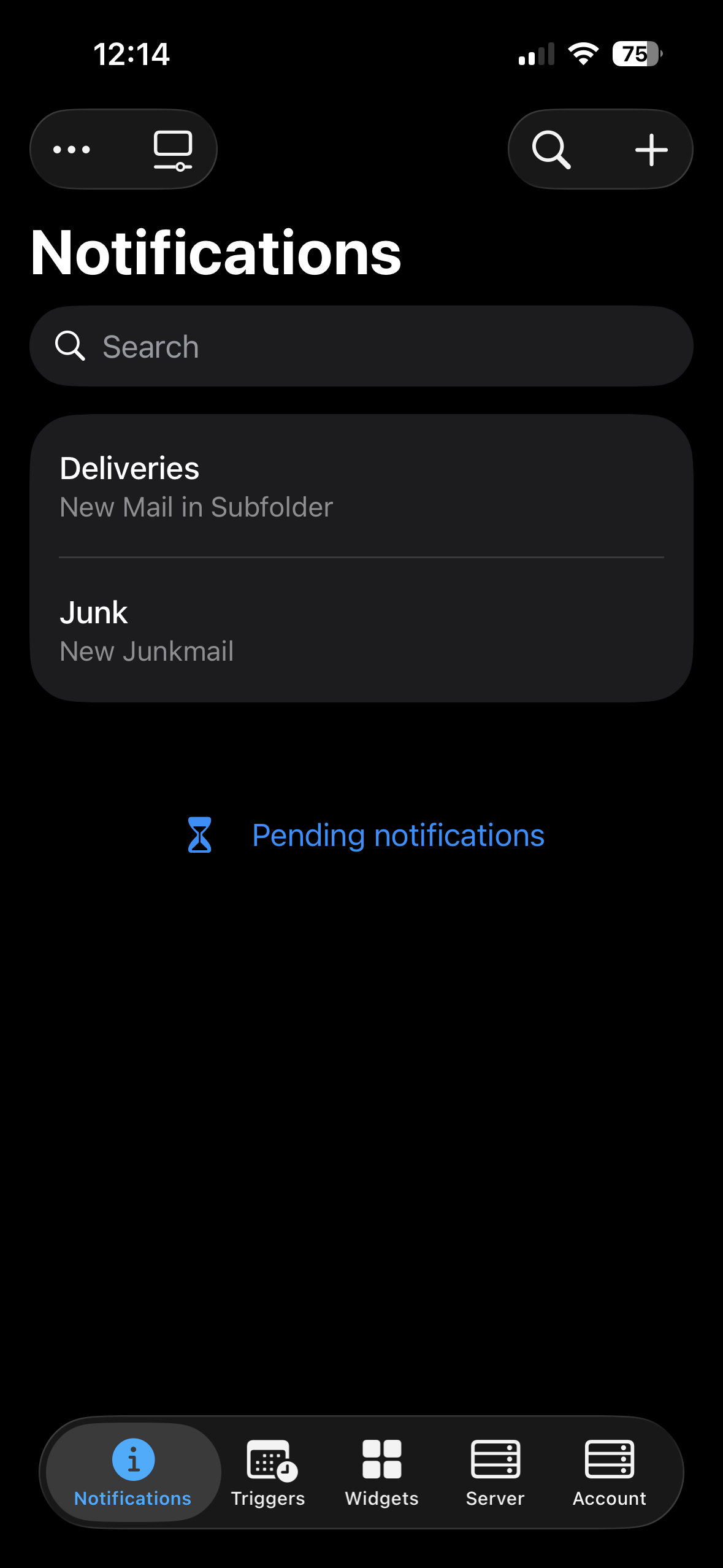
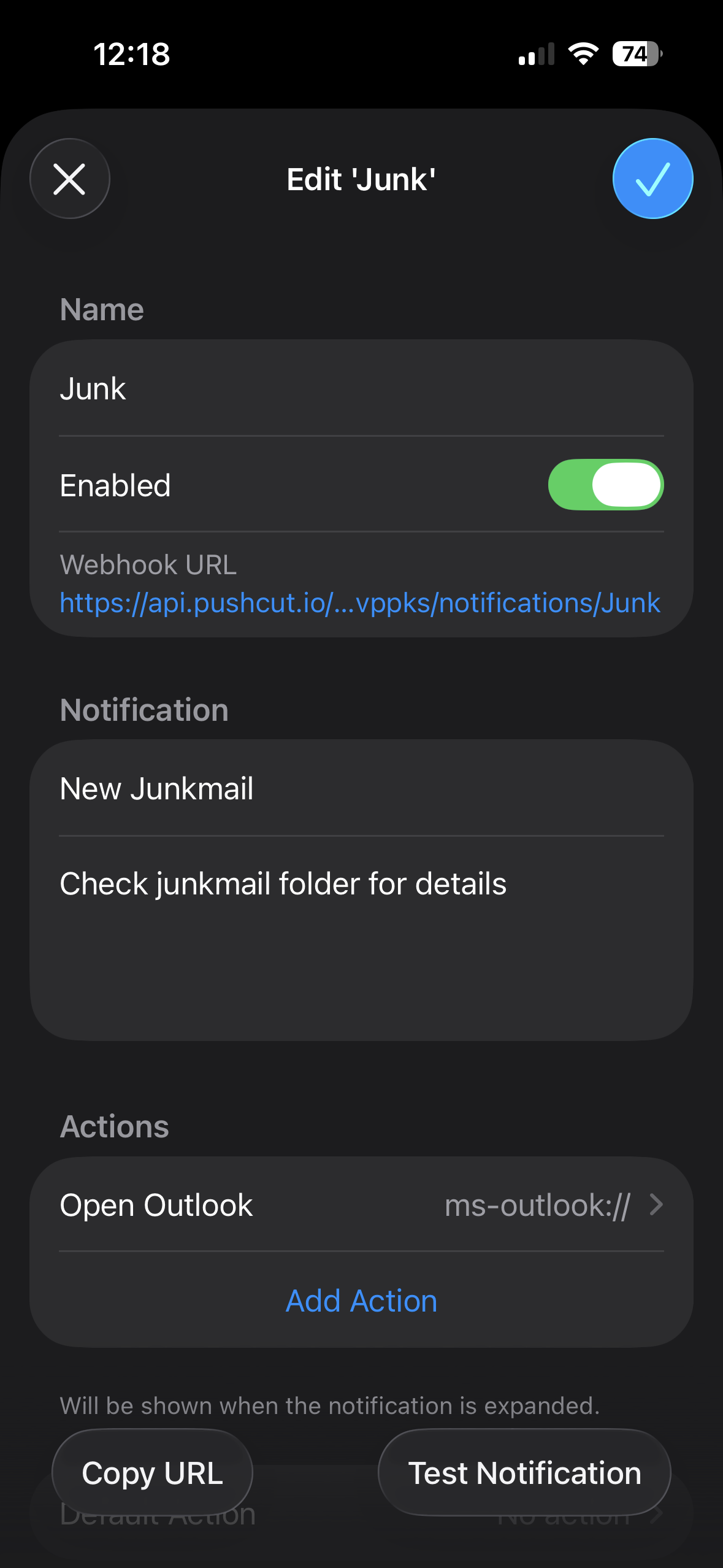
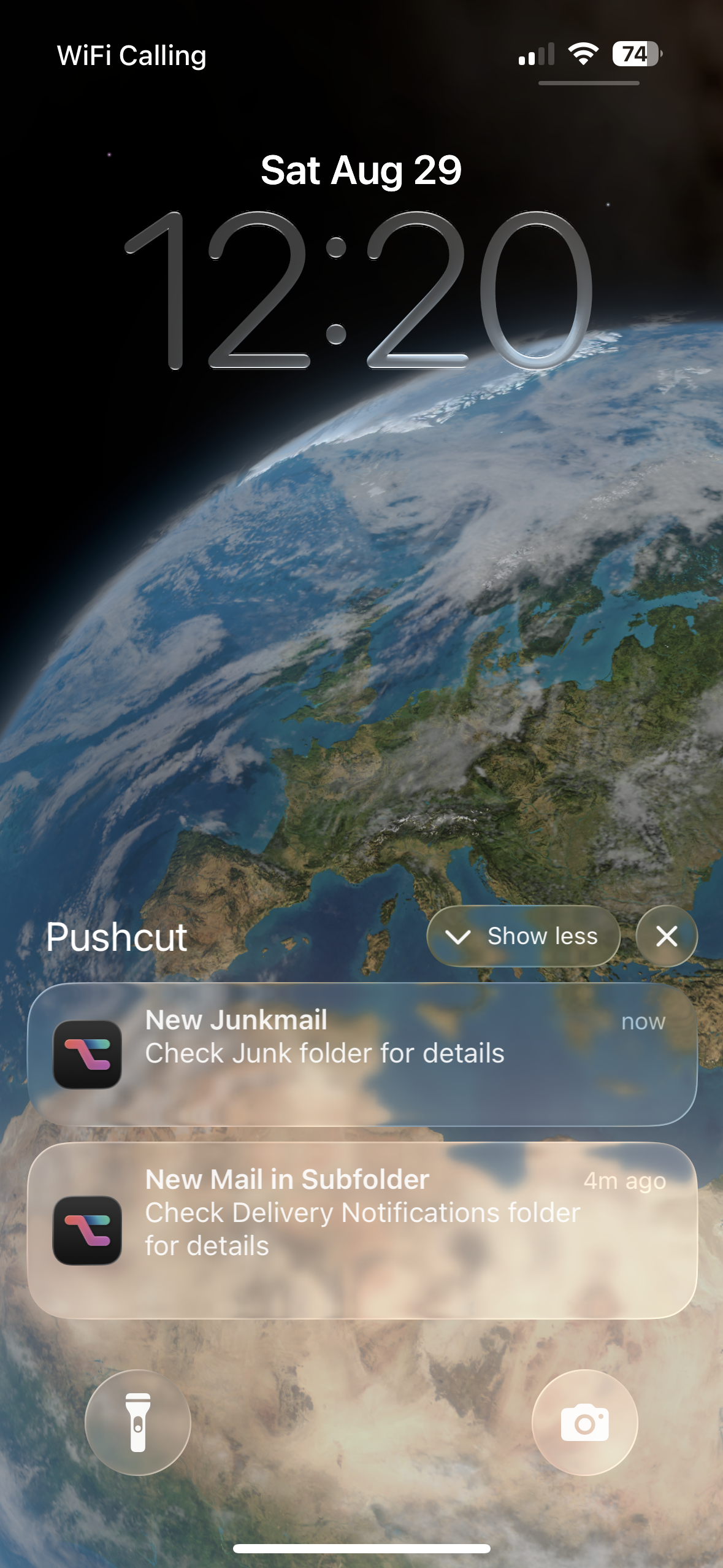
To test the notifications I can use PowerShell or any other language that supports web requests.
| |
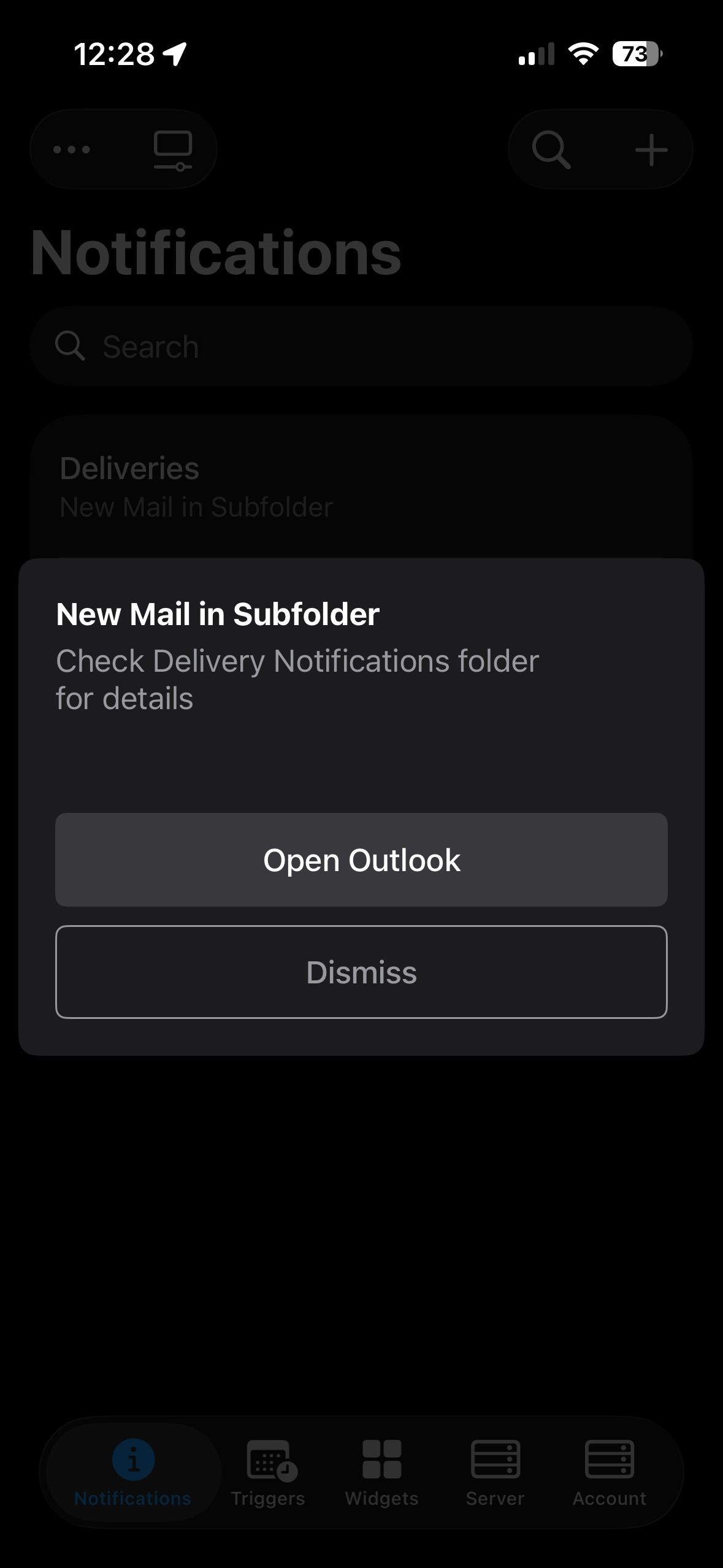
Each notification has its own unique endpoint in the webhook URI. I can trigger the Delivieries notification by replacing /Junk with /Deliveries. Notifications can also contain actions. In my case I just added open URL to open the Outlook app by it’s URI ms-outlook://. This will only open the Outlook app but not a specific email within the app. This is again, only possible with the paid version and dynamic content.
Notifications in Pushcut (Paid)
The paid version of Pushcut lets me create as many notifications as I like. But most importantly, it supports dynamic content via the payload sent in the request body. In this case I only need 1 notification/webhook URI in Pushcut.
| |
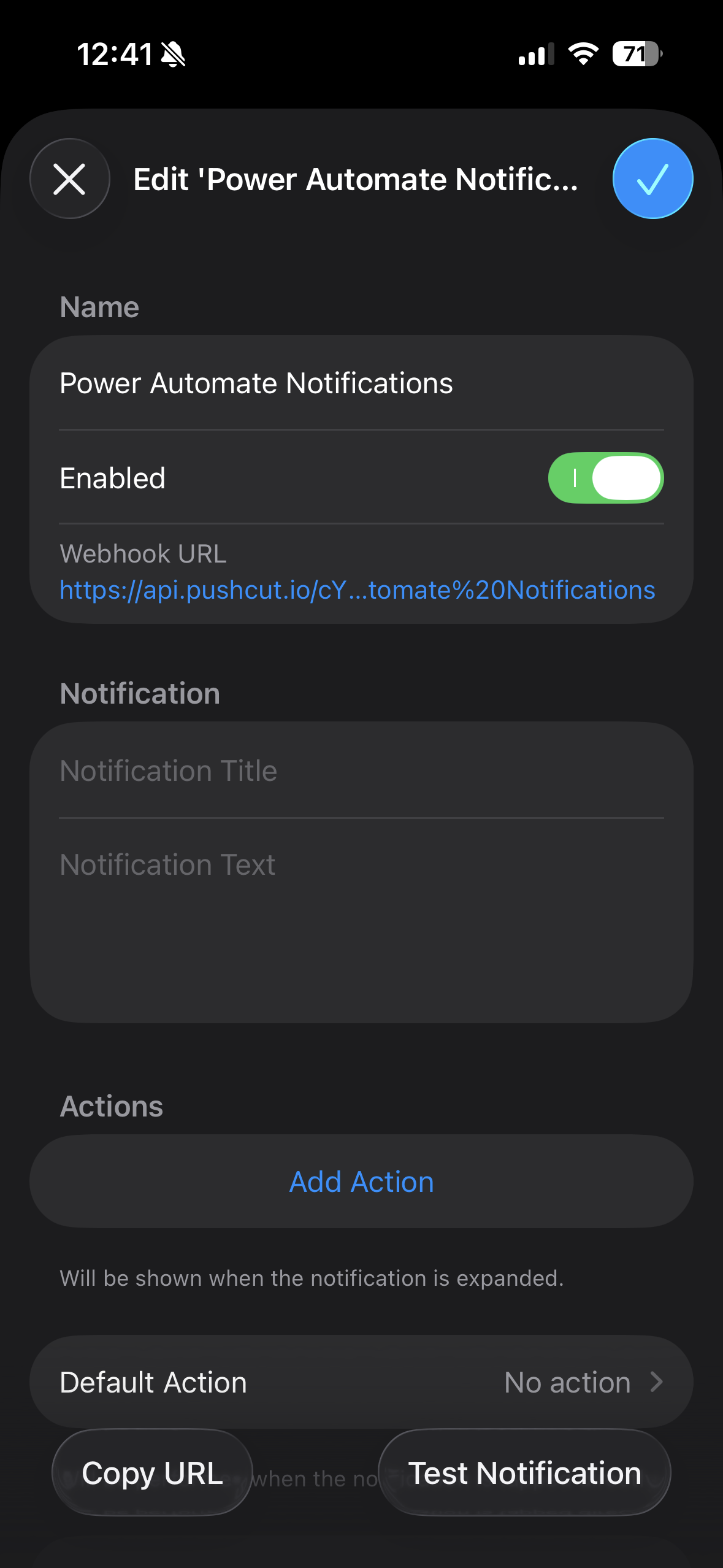
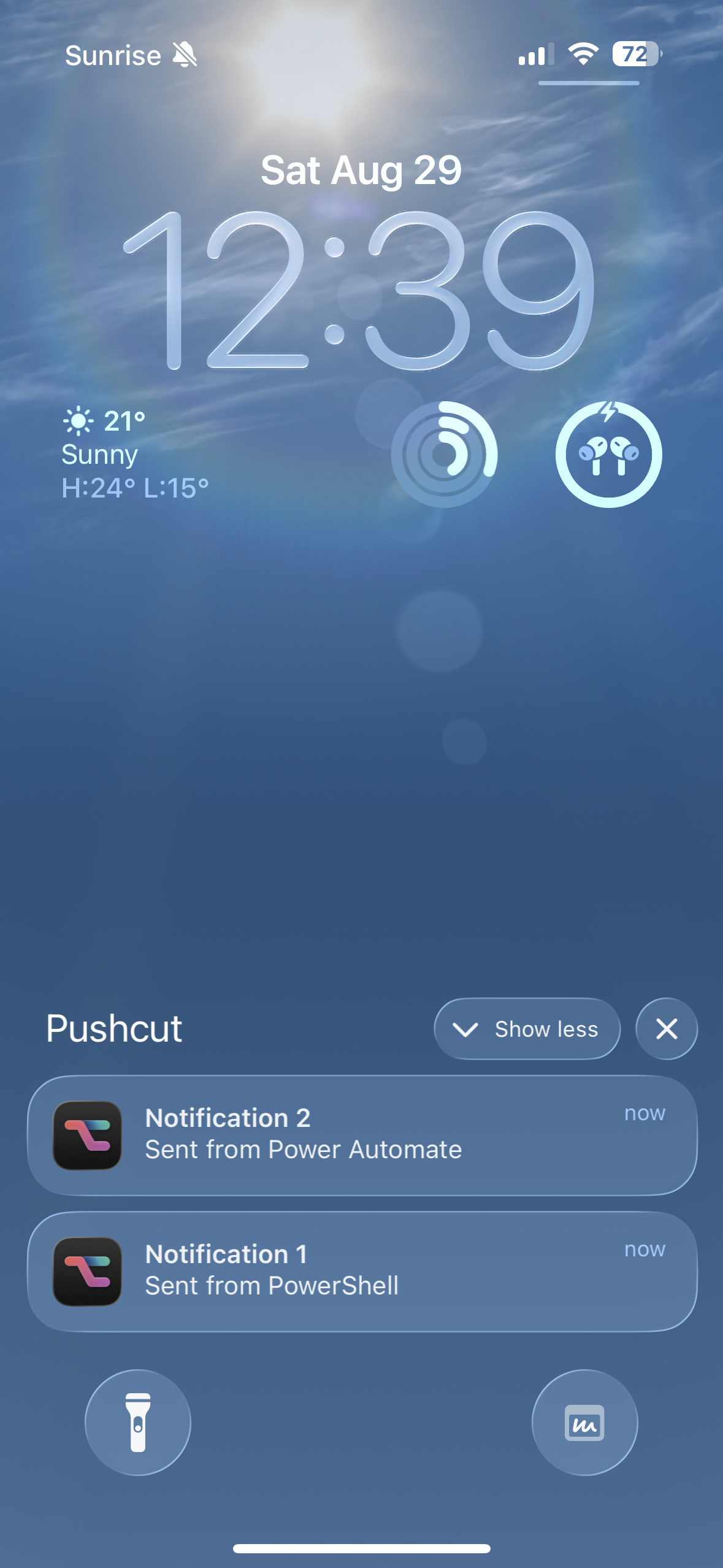
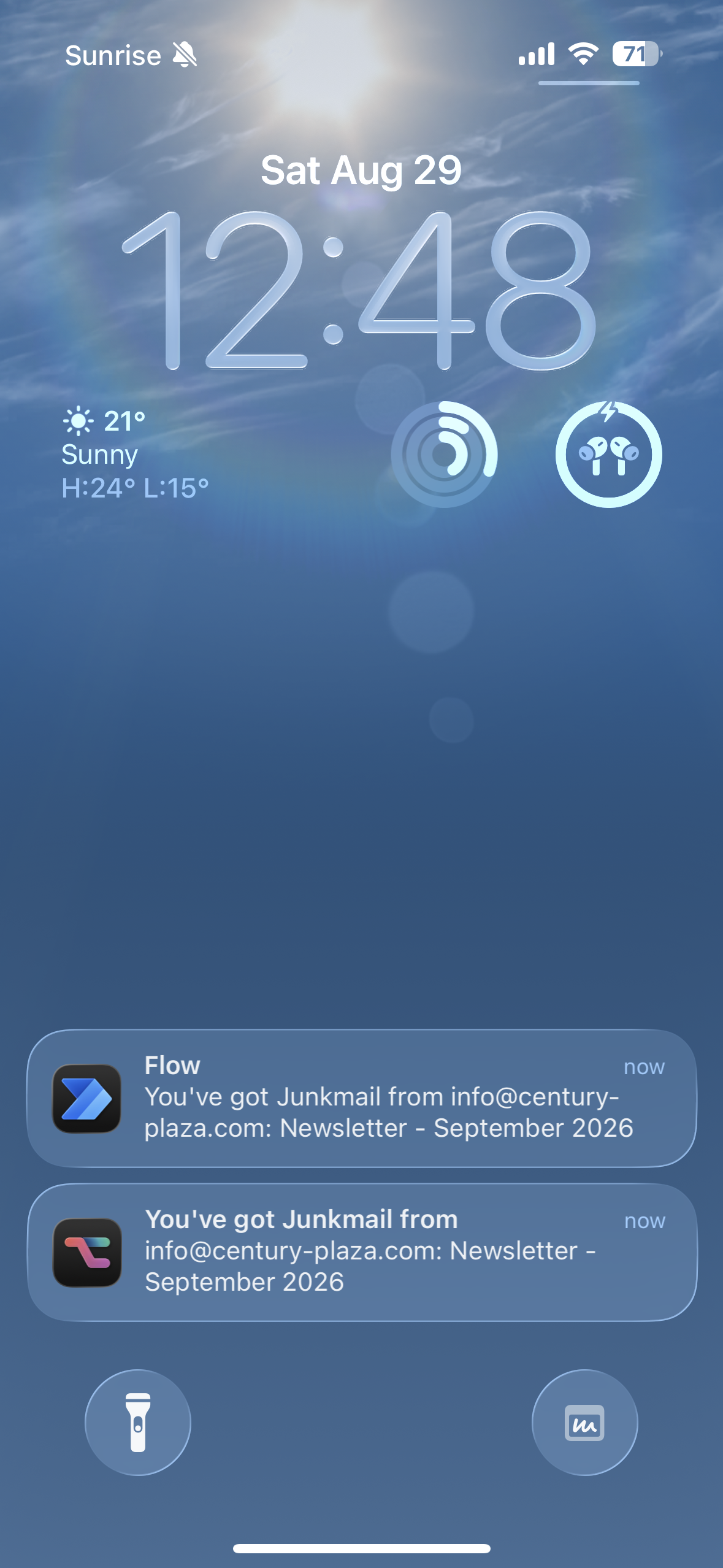
Here’s a side by side comparison between Power Automate and Pushcut for my Junkmail notification flow. As you can see, the notification Ttile and Text are empty in Pushcut but the actual notification received on the iPhone displays the values that were included in the request.
The cool thing about Pushcut is that I can also pass a default action for when the notification is tapped. This allows me to open the junk mail in Outlook via deep link even though the notification is coming from Pushcut and not Outlook.
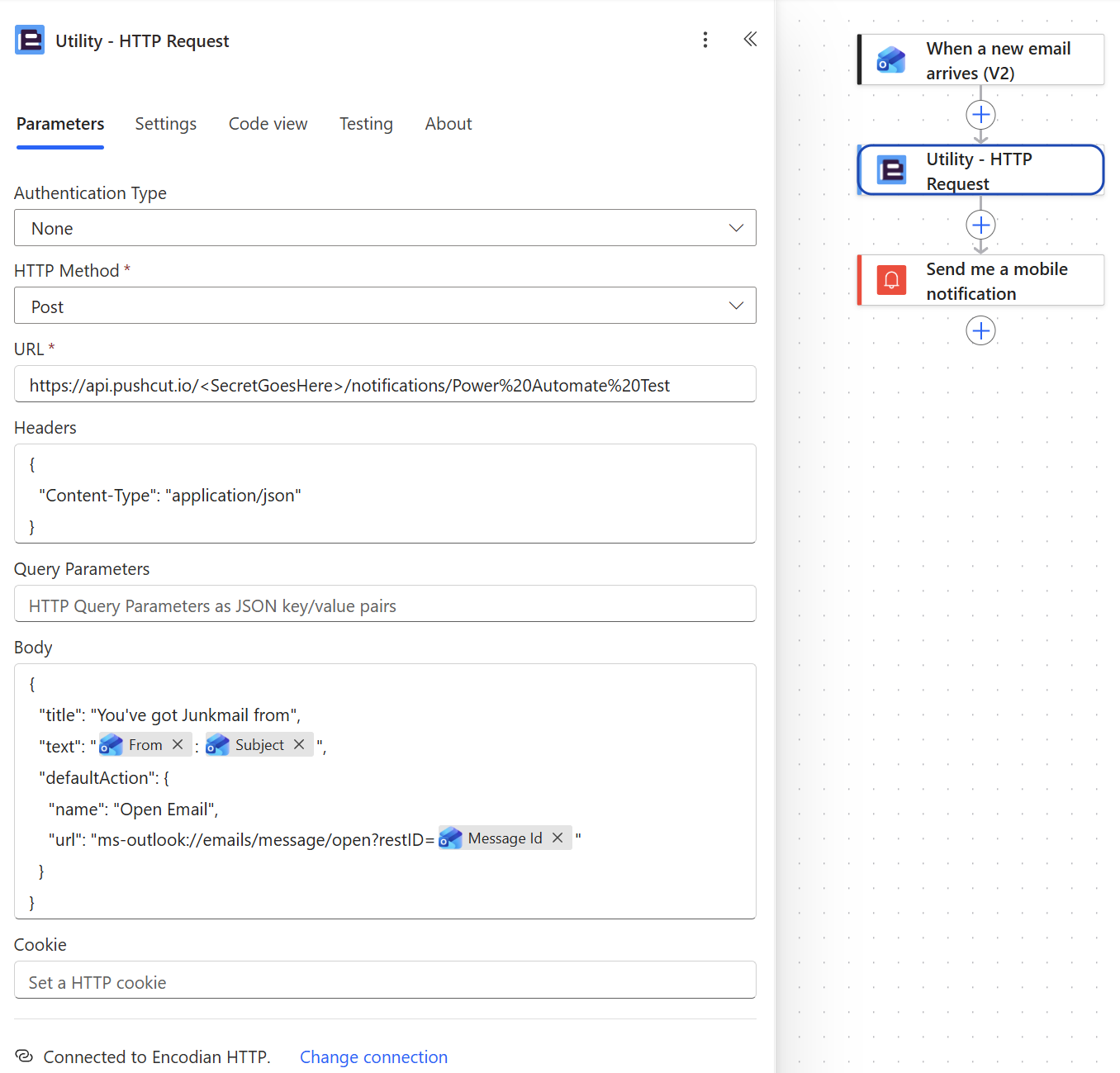
And this is how it looks in Power Automate. The key is including {"Content-Type": "application/json"} in the request headers. Otherwise the dynamic content won’t work. I’ll delete the Send me a mobile notification action once Microsoft has retried the app on August 31.
Summary
I’m very disappointed in Microsoft retiring the Power Automate mobile app. Especially since this is on such short notice. Like I said in the beginning, launching flows on demand or doing approvals works fine in Teams but removing the app takes away the ability to receive notifications for various scenarios.
Using email to send notifications is not really an option for me since I’m using Power Automate to notify me of emails I didn’t want to land in my inbox in the first place. And I also don’t want to go to Teams to mark notifications as read when they are absolutely unrelated to Teams.
I want to point out again that this is about my personal automations and workflows. I think using Pushcut to receive notifications will work well for me going forward. I just hope that the 50 HTTP requests per month that are included in Encodian’s free plan will suffice.
Pushcut isn’t constrained to personal accounts of course. Whether or not it’s suitable for an enterprise environment depends on a couple of things. First of all you’ll need to be allowed to download and install it from the App Store. It’s also not really scalable. Each user will need to set it up for themselves. But I guess this is similar to how the mobile notifications were working in Power Automate already. Flows that used this action only worked for the flow owner anyway.
I didn’t look at how data is processed and stored by Pushcut in detail. But if you plan to use Power Automate connected to your corporate email and send data such as email addresses, subject lines or even message content in payloads to Pushcut webhooks I highly recommend to to talk to your IT/compliance department first. Using this data outside of Microsoft 365 can be considered a data leak and is similar to forwarding emails to a personal email account.